
Website Tips
Starting a Business? Why Your Domain and Professional Email Should Be Among the First Things You Set Up
Learn why securing your business domain and setting up a professional email address early can protect your brand and strengthen your online presence.
“You do not need a finished website on day one, but securing your digital identity early can save problems later.”
Starting a business comes with a surprisingly long list of decisions.
What should you call it? Do you need to register as a sole trader or limited company? What will your branding look like? Do you need a website immediately? Which social media accounts should you create?
Among all those decisions, there are two relatively simple jobs that are worth doing very early: secure your business domain name and set up a professional email address.
You do not necessarily need a finished website on day one. But securing the digital identity of your business early can save problems later and give you a much stronger foundation when you are ready to start marketing.
This is particularly important for small businesses where a memorable name, local reputation and consistent branding can make a significant difference.
1. Before anything else, check your business name
Before ordering signage, creating social accounts or buying a domain, make sure the business name you want to use is suitable.
Government-backed Business.gov.uk recommends choosing a name that is simple, clear, memorable and easy to spell and pronounce. Crucially, its guidance also recommends checking whether the corresponding web domains and social media handles are available and securing them even if you are not ready to use them yet.
If you are setting up a limited company, you will also need to check that your proposed company name is not the same as an existing registered business. Companies House has specific rules around company names and names that are considered too similar to existing companies.
It is also worth searching the UK trade mark database before investing heavily in a new brand. The Intellectual Property Office provides a search service that allows you to check whether similar UK trade marks already exist.
A sensible early checklist therefore looks something like this:
- Check Companies House.
- Search the UK trade mark database.
- Search Google for businesses using similar names.
- Check your preferred domain names.
- Check the main social media usernames.
- Secure the important ones before launching the brand publicly.
That last step is easily overlooked.
2. Secure your domain before you build your website
A domain is the address people use to reach your website, such as:
yourbusiness.co.uk
One mistake new business owners sometimes make is assuming that they only need a domain when they are ready to build a website. You can register the domain much earlier.
In fact, Government-backed business guidance recommends buying the domain you want and considering additional relevant domains to reduce the likelihood of customers accidentally visiting similarly named websites.
There is a practical reason for doing this. If you spend several months developing a business name, designing a logo and building social media pages before checking the domain, you could discover that the obvious website address has already been taken.
You are then left choosing between changing your business name or settling for a more complicated domain. Neither is ideal.
What makes a good business domain?
Where possible, aim for a domain that is:
- Short
- Easy to spell
- Easy to say aloud
- Closely connected to your business name
- Unlikely to be confused with another company
- Free from unnecessary numbers or punctuation
For a Lincolnshire business primarily serving UK customers, a .co.uk or .uk domain can make sense. Government-backed guidance suggests choosing a domain ending in .uk when your main customer base is in the UK. Google also explains that country-code domains can act as a strong signal that a website is intended for users within a particular country.
However, don’t choose your domain purely because you think putting keywords into it will dramatically improve your SEO. Google’s own SEO Starter Guide explains that keywords within a domain have very little ranking impact by themselves.
So:
lincolnshire-plumber-plumbing-best-plumbers.co.uk
is not automatically better for SEO than:
smithplumbing.co.uk
A strong, memorable brand is usually the better long-term option.
3. Should you buy more than one domain?
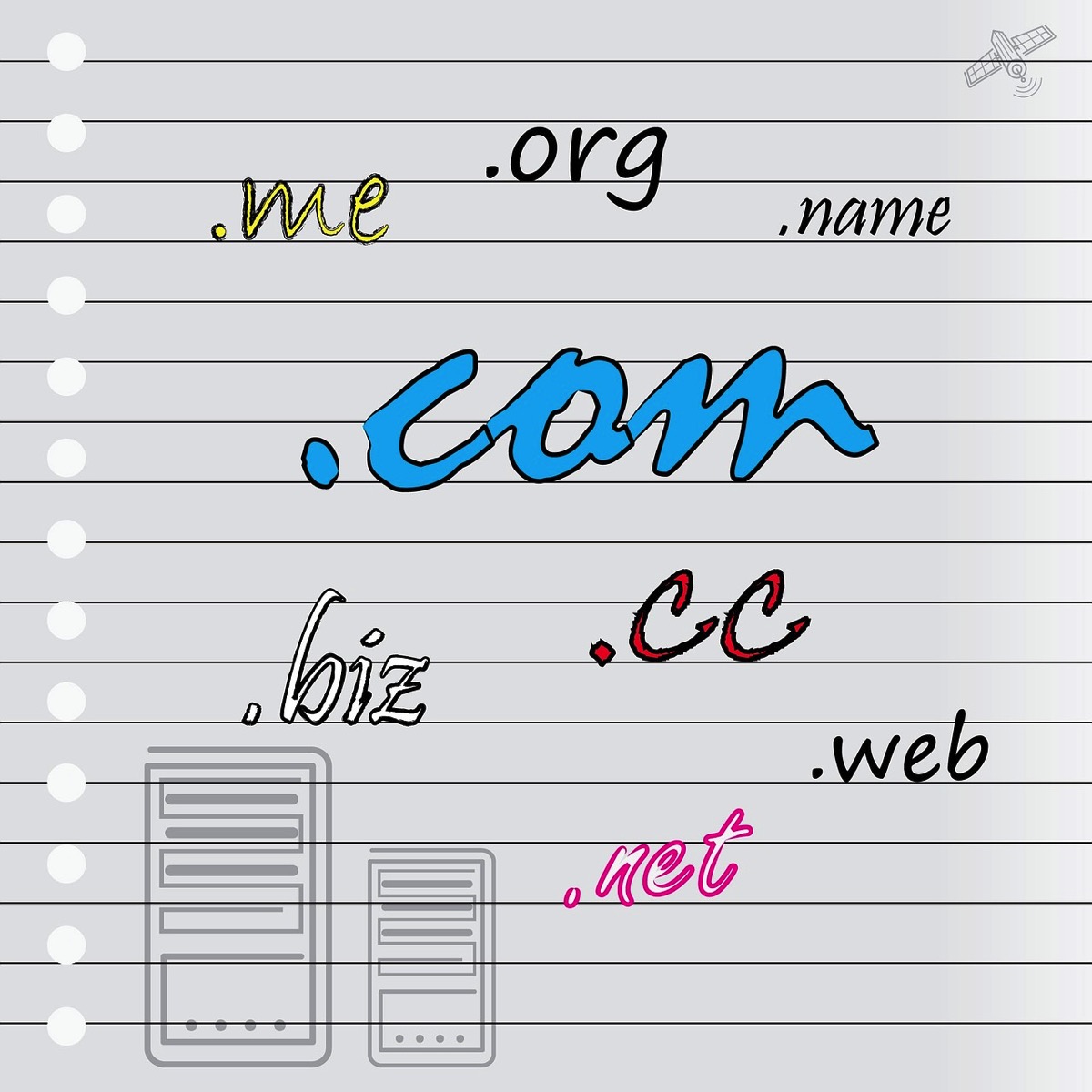
Sometimes. You don’t need to buy every possible variation of your business name, but there can be value in securing the obvious versions.
For example, if your main domain were:
examplebusiness.co.uk
you might also consider securing:
examplebusiness.uk
and potentially the .com if your brand could eventually operate outside the UK. Government-backed guidance suggests considering alternative extensions and similar versions of your domain so customers are less likely to confuse your website with another business.
Those additional domains can simply redirect to your main website. It can be a relatively inexpensive piece of brand protection compared with trying to recover a domain later.
4. You can use your domain before you have a website
This is one of the most useful things for new businesses to understand.
Buying:
yourbusiness.co.uk
doesn’t mean you immediately have to commission or build:
You can use the domain for your business email first.
For example:
That means your business can start presenting a consistent identity to customers from the outset, even if the website itself is still being planned.
5. Why set up a professional business email address?
Free Gmail and Outlook accounts are perfectly functional email services. The issue is branding.
Compare:
lincolnshirelandscaper24@gmail.com
with:
hello@lincolnshirelandscaper.co.uk
The second immediately connects the email to the business. Your domain effectively becomes part of your branding every time you send a quote, respond to an enquiry, issue an invoice or contact a supplier.
It also makes the business easier to scale. Rather than having everybody sharing one generic inbox, you can eventually create addresses such as:
IONOS, for example, supports email addresses connected to your own domain, with different mailbox options depending on the package selected.
If you’re setting up a new business and haven’t secured your domain yet, you can check domain and email options with IONOS – affiliate link.
6. Your domain and email should work together
Where possible, use the same core domain for your website and email.
For example:
Website: thelincolnshiremarketer.co.uk
Email: hello@thelincolnshiremarketer.co.uk
This consistency helps customers associate your communications with your business. It also means that if you later change website platforms, your email identity does not necessarily have to change.
You could move your website from one provider to another while continuing to use the same business domain and email addresses. That is another reason I recommend thinking of your domain as a business asset, rather than simply something belonging to your website builder.
7. Make sure you own and control the domain
This is particularly important if somebody else is building your website. Ideally, the domain should be registered in an account controlled by you or your business.
Do not simply assume your designer, friend, marketing company or IT provider has registered it correctly on your behalf.
Know:
- Which company your domain is registered with
- Which email address controls the account
- When the domain renews
- Whether automatic renewal is enabled
- Where the login details are stored
- Who has access to change the DNS settings
Losing access to your domain could potentially disrupt both your website and your email. Treat those login details accordingly.
8. Don’t forget email security
Setting up a domain-based email address is only part of the job. Your domain should also be configured so receiving email providers can verify that messages claiming to come from your business are legitimate.
You may encounter three terms:
SPF, DKIM and DMARC.
You don’t necessarily need to understand all the technical detail yourself, but your email provider or whoever manages your domain should configure them correctly.
The UK’s National Cyber Security Centre recommends using these controls to help protect domains against email spoofing. SPF helps receiving services check authorised email senders, DKIM helps verify message integrity, and DMARC builds on these technologies to tell receiving systems how suspicious messages should be handled.
The NCSC also recommends that domains, including those not actively used for email, should have appropriate DMARC protections in place.
This becomes particularly important as your business grows and more customers become familiar with your brand.
9. What about your website and SEO?
Once the domain and email are secured, you can start developing your wider online presence. Your website does not need to be enormous.
For many new local businesses, a good starting website might only need:
- A clear homepage
- Information about your services
- An About page
- Contact information
- Your service area
- Testimonials or examples of your work
- Appropriate legal and privacy information
From there, you can develop your SEO gradually. If you serve customers around Lincolnshire, make sure your website clearly explains what you do and where you operate.
Someone searching Google for a service in Louth, Lincoln, Grimsby, Boston, Skegness or elsewhere in the county needs enough information to understand whether you are relevant to their search.
You can use our Local SEO Checklist for Lincolnshire Small Businesses as a starting point for Google Business Profile, website content, reviews, local listings and SEO tracking. Google describes SEO as helping search engines understand your content so that relevant users are more likely to discover it.
If you’re planning to sell products online, you may also find our guide to Shopify vs WordPress for Lincolnshire businesses useful when deciding what to build your website with.

10. Your business doesn’t have to look “small” just because it is new
Every established company once started with its first customer, first email address and first website. There is absolutely nothing wrong with starting small.
What matters is putting the foundations in place so your business can grow without having to undo avoidable decisions later. Registering your domain and setting up a professional email address are relatively small jobs, but they immediately give you something valuable:
A digital identity that belongs to your business.
From there, your website, Google Business Profile, social media accounts, directory listings, advertising and wider marketing can all build around the same consistent brand.
A simple digital setup checklist for a new business
If you are in the early stages of starting a business, consider working through these steps:
- Choose your business name.
- Check Companies House and existing businesses.
- Search relevant UK trade marks.
- Check domain availability.
- Check social media usernames.
- Secure your preferred domain.
- Consider registering obvious alternative domains.
- Create a professional domain-based email address.
- Enable two-factor authentication on important accounts.
- Make sure SPF, DKIM and DMARC are properly configured.
- Set up your website when you’re ready.
- Create and optimise your Google Business Profile if appropriate.
- Make sure your business name, address, phone number and website details are consistent online.
- Start working on your local SEO and marketing.
You don’t need to complete everything in a weekend.
But the sooner you secure the identity of your business online, the easier it becomes to build everything else around it.
Ready to secure your business domain?
If you’ve decided on your business name, checking whether the matching domain is available is a sensible next step.
Check domain and professional email options through IONOS – affiliate link.
Once those foundations are in place, you can start developing the rest of your online presence with much more confidence.
Affiliate disclosure: This article contains affiliate links. The Lincolnshire Marketer may earn a commission from qualifying purchases or sign-ups made through these links, at no additional cost to you.